
Claude Can Click Your Mouse Now
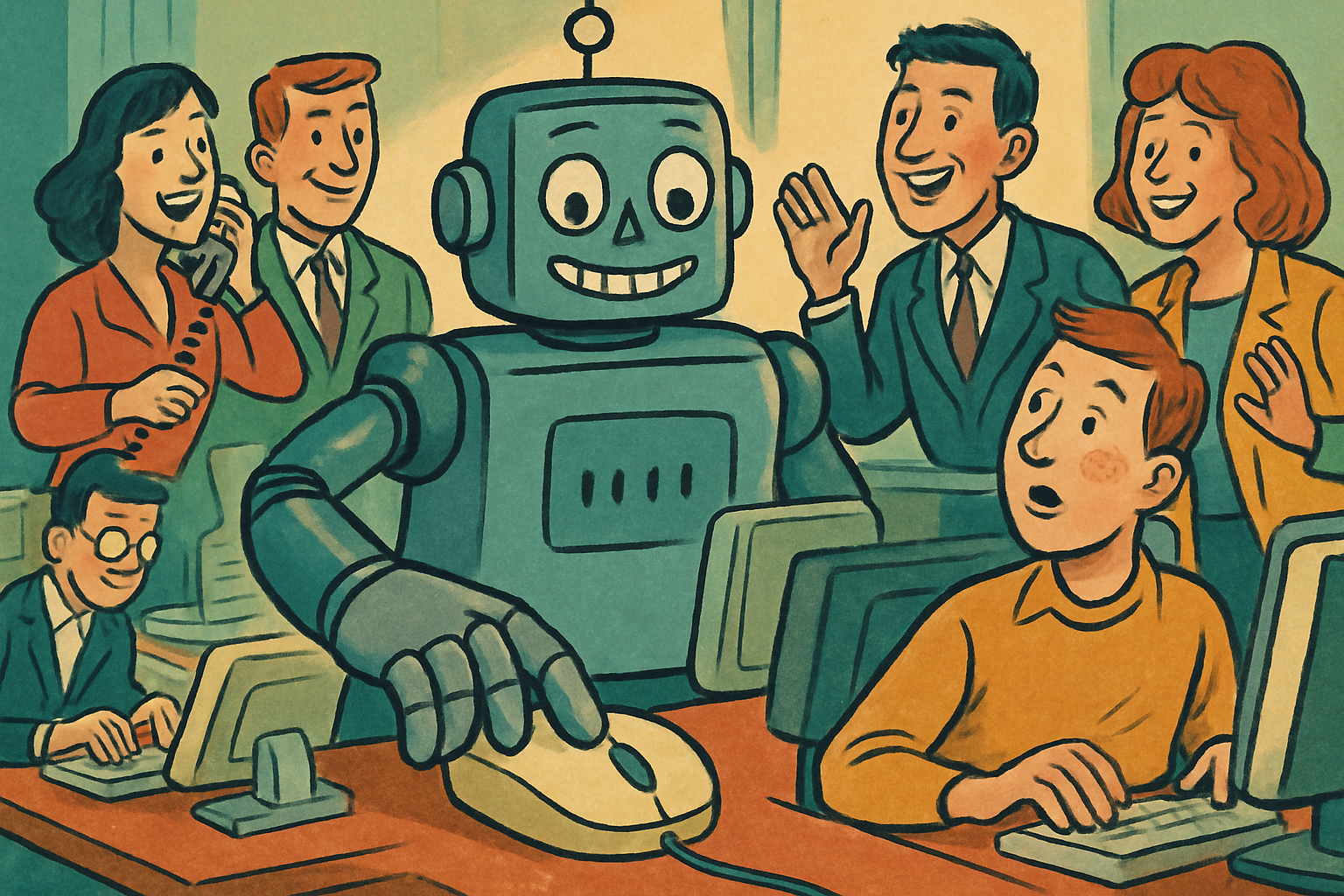
Most AI automation hits the same wall. It works great until it needs to touch an app that doesn't have a nice API. Then it just stands there, helpless, like it forgot how doors work.
Claude Cowork just knocked that wall down.
It uses the computer like a person
Claude can now control your desktop. Open apps. Navigate browsers. Fill in spreadsheets. Click the actual buttons on the actual screen.
And the big deal here is the part most people skip past: no API needed. It doesn't require some special integration or a developer to wire it up. It just looks at your screen and operates it the way you would, with a pointer and a keyboard.
The apps without integrations were always the gap. Computer control closes it.
Why "no API" matters more than it sounds
Every automation tool before this lived or died by integrations. If the app you needed wasn't on the supported list, tough luck, go do it by hand.
Computer use flips that. If you can do it with a mouse and keyboard, so can Claude. That old internal tool nobody's updated since 2018? The clunky web portal with no developer support? The spreadsheet workflow you swore you'd automate someday? All on the table now.
It's the difference between an assistant who can only use the three apps it was trained on, and one who can sit at your desk and figure out whatever's open. (The second one is a lot more useful, and slightly more terrifying, in the best way.)
Go give it a real task on an app you've never been able to automate. That's where it earns it.
A free written review of your engineering and AI setup.
What I would fix first, what I would leave alone, and where AI would actually save money. Written, and yours to keep.
Request the free written review