
Claude Runs Tasks While You Sleep. Literally.
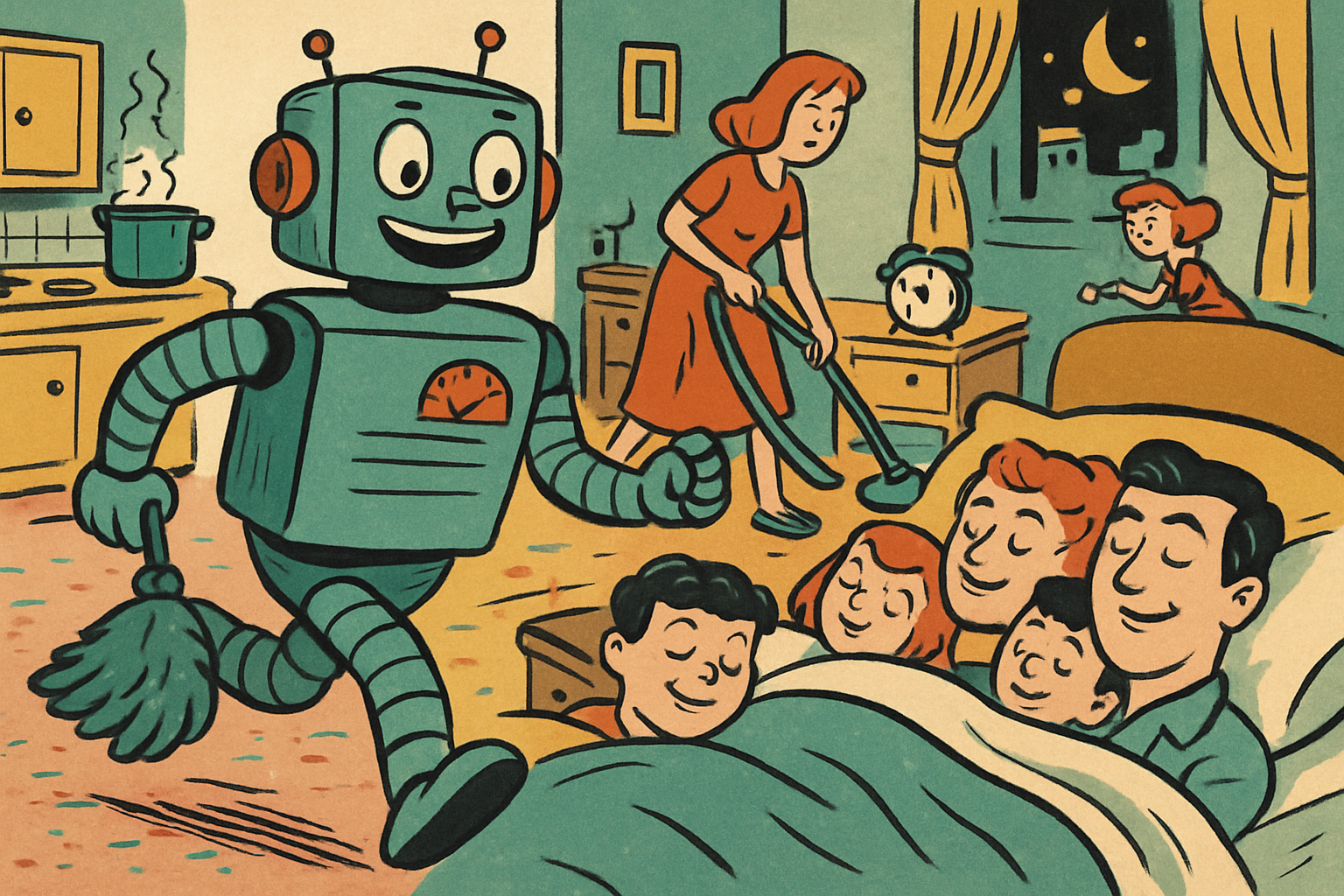
I wake up every morning to a fully built dashboard from Claude. I didn't ask for it that morning. It just runs.
This is scheduled tasks, and it's the feature that replaced my entire automation stack. Not "supplemented." Replaced. (Zapier, we had a good run. It's not you. Okay, it's a little bit you.)
Here's the 40-second version:
How It Works
You take any skill you've built, set a time, and Claude runs it automatically. Every day. No triggers, no manual prompts, no workflow builder with 47 nodes and a subscription tier.
Every morning at 7 a.m., my morning briefing skill fires. It checks my calendar, scans my email, pulls AI news, writes my priorities, builds the dashboard, and sends it to Slack. I'm still in bed. By the time I sit down with coffee, the work-about-work is already done.
I also run a daily competitor scan, an end-of-day wrap-up, and a community pulse check. All scheduled. All automatic.
Setting One Up Takes Two Minutes
Go to scheduled tasks in Cowork. Give it a name, a prompt, and pick the frequency. That's the entire setup. Once it's running, you don't think about it again.
Compare that to traditional automation tools, where "quick setup" means an afternoon of dragging nodes around and googling why your webhook isn't firing. Here you just describe what you want in English.
This is how you go from using Claude like a chatbot to running it like an employee.
Start With One
Don't build five scheduled tasks tonight. Build one. Pick the thing you check manually every single morning, whether that's news, email, or a dashboard, and turn it into a scheduled task that's waiting for you when you wake up.
Then enjoy the deeply weird feeling of your computer doing your morning routine better than you do. Go set it up.
A free written review of your engineering and AI setup.
What I would fix first, what I would leave alone, and where AI would actually save money. Written, and yours to keep.
Request the free written review