
The Hidden Button for Private AI Work
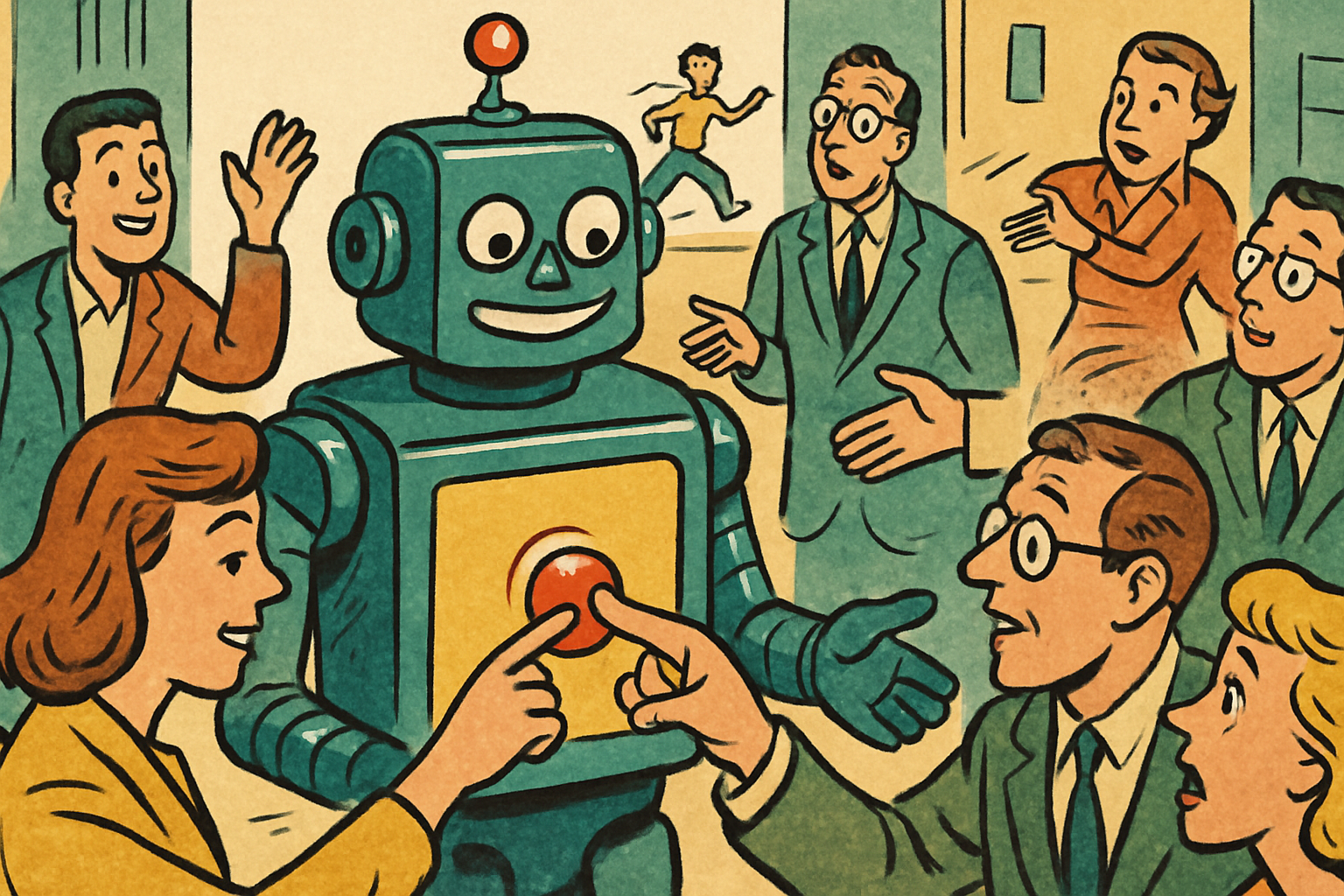
Most people don't realize their AI has a memory like an elephant that took notes. Every chat, every detail, quietly shaping what comes next.
Usually that's great. Sometimes it's exactly what you don't want.
The disappearing mode
There's a mode in Claude that makes everything vanish after you're done. Nothing saved. Nothing remembered. No trace left to influence the next thing you do.
Think of it like a whiteboard you wipe clean instead of a notebook that keeps every page. You write, you use it, you erase it. Gone.
Some work shouldn't get a vote in what your AI does next week.
When to actually use it
This is built for the one-off stuff you don't want mixed into your normal flow.
A quick test you're running. Sensitive work you'd rather not have echoing through future conversations. Some throwaway task that has nothing to do with your usual projects and shouldn't be coloring them.
Turn it on, do the thing, close it. Clean slate. (No, it will not bring up that weird thing you asked it three weeks from now. That's the whole point.)
The default memory is a feature ninety percent of the time. This button is for the other ten percent, and knowing it exists is what separates people who use AI from people who run it.
Save this one. You'll want it the exact moment you need it.
Need a CTO, not another hire?
Fractional CTO. Technology leadership, part time. A weekly leadership call, architecture and code review, a written monthly plan, and on call when things break. $4,000 a month for 40 hours.
See the engagement