
Practical AI, in writing.
Workflows, prompts, tools, and field notes from building production AI systems.Page 11 of 22
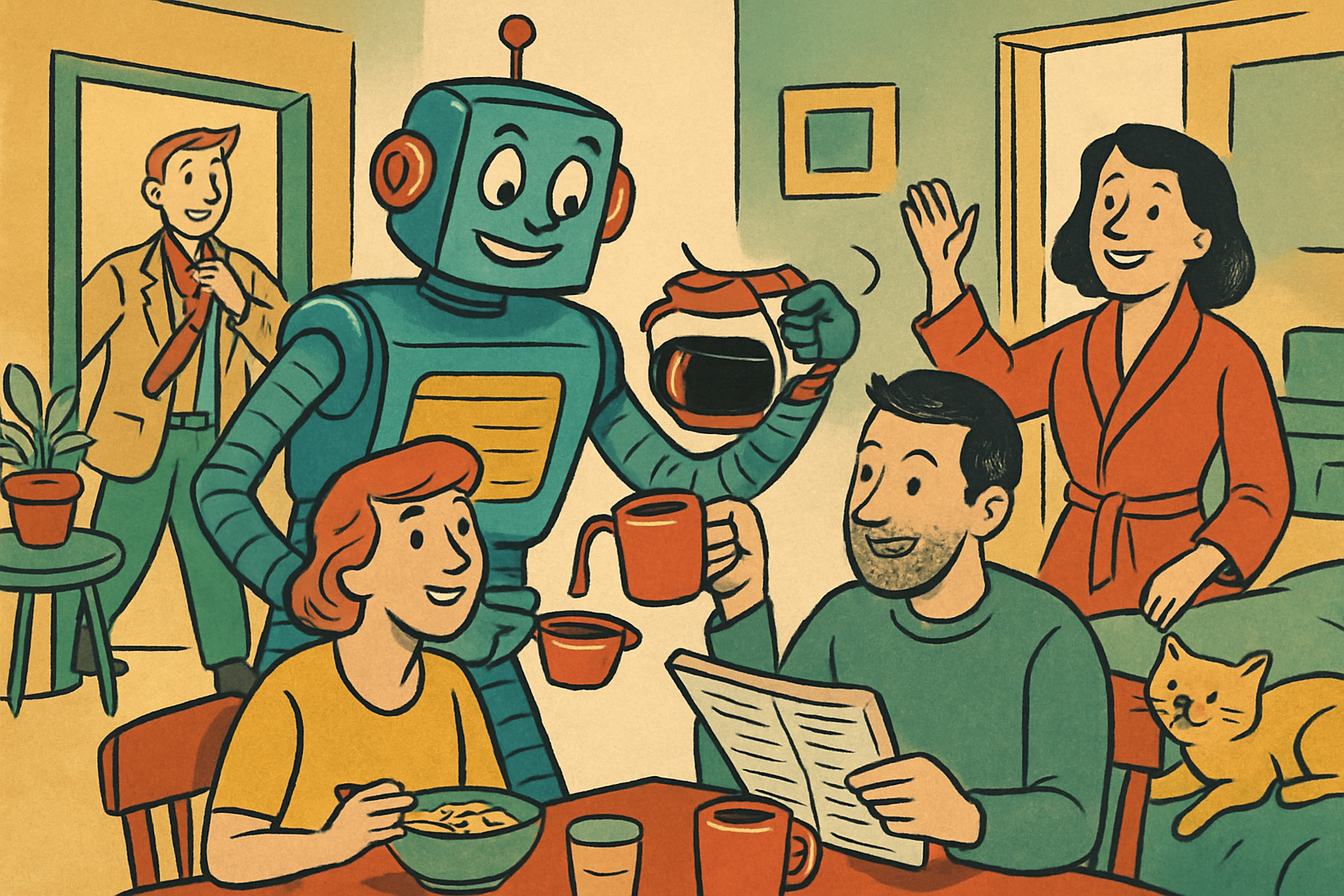
I Automated My Entire Morning With Claude Cowork
Before I wake up, Claude Cowork scans AI news, searches job boards, and pushes everything to Notion. Here's the exact workflow.
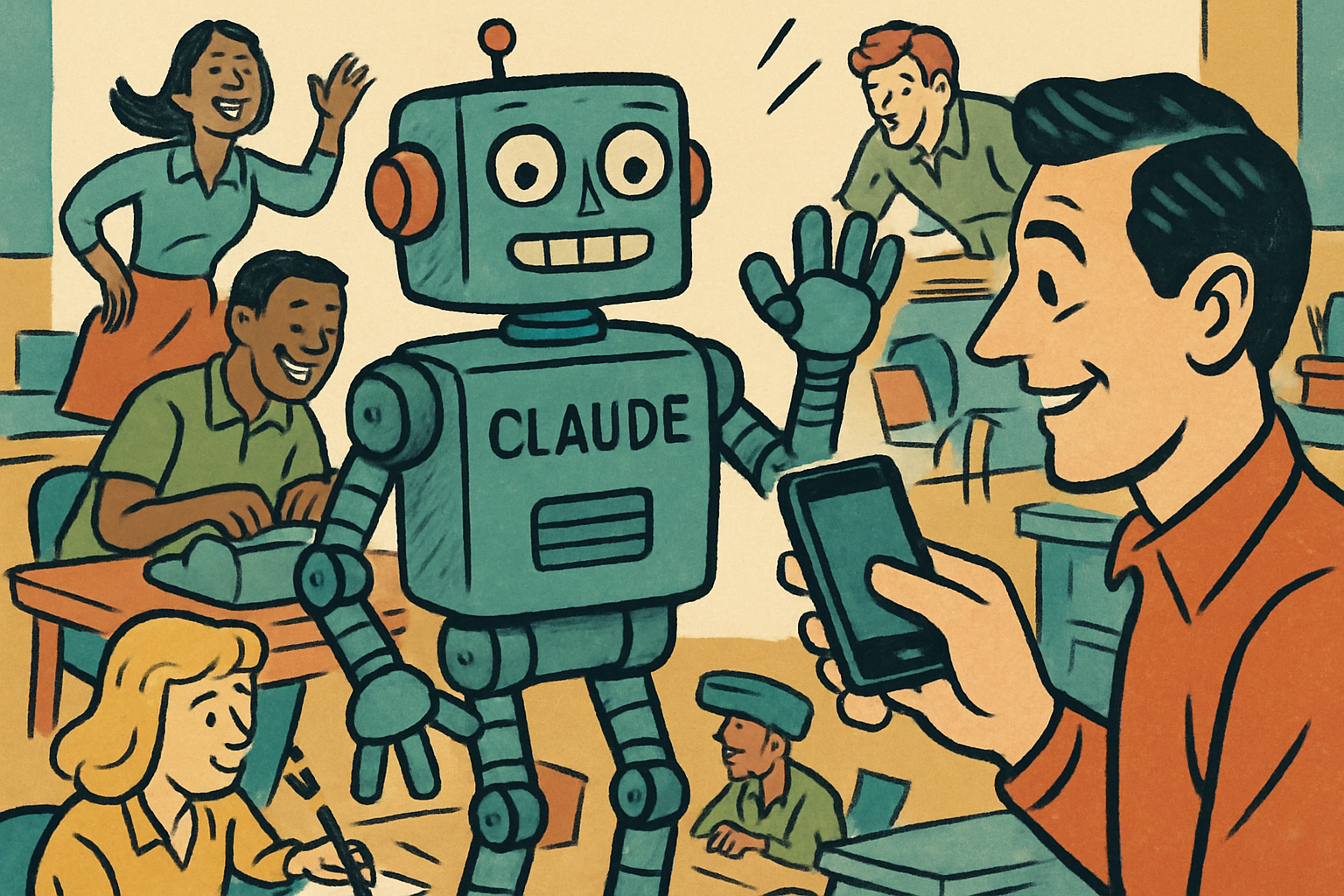
Control Claude Cowork From Your Phone
Cowork's Dispatch mode lets you run tasks from your phone while your computer does the work at home. No remote desktop, no VPN.

Claude Just Got an App Store
Anthropic quietly added a plugin and skills directory to Claude. Browse, install, and manage skills, connectors, and plugins in one place.

Claude Cowork Is Mediocre Until You Do This
Generic results aren't a prompt problem. They're a setup problem. Global Instructions, a CLAUDE.md file, and chunked skills fix it.

Claude Cowork Makes ChatGPT Look Outdated
Cowork runs background tasks, controls your Mac, orchestrates apps, and works on a schedule. Five things ChatGPT still can't touch.

I Used Claude Cowork Dispatch for a Week. Here's My Honest Review.
Dispatch lets you text tasks from your phone to your desktop. The concept is right. After a week of daily use, the beta is rough.

The Claude Prompt That Replaced My Entire Workflow
One Claude system prompt replaced five tools in my content workflow. Here is the exact prompt, how it works, and why I deleted half the apps in my dock.
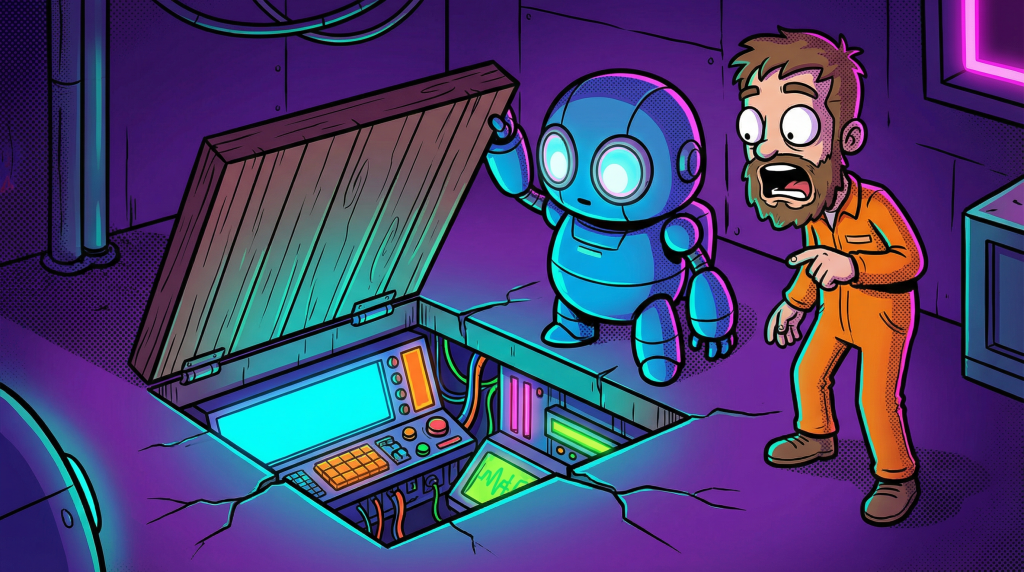
Claude's Hidden System Prompt Setting Nobody's Using
Claude's hidden system prompt setting lets you reprogram how it thinks and writes. Almost nobody uses it right. Set it up in five minutes, thank me later.
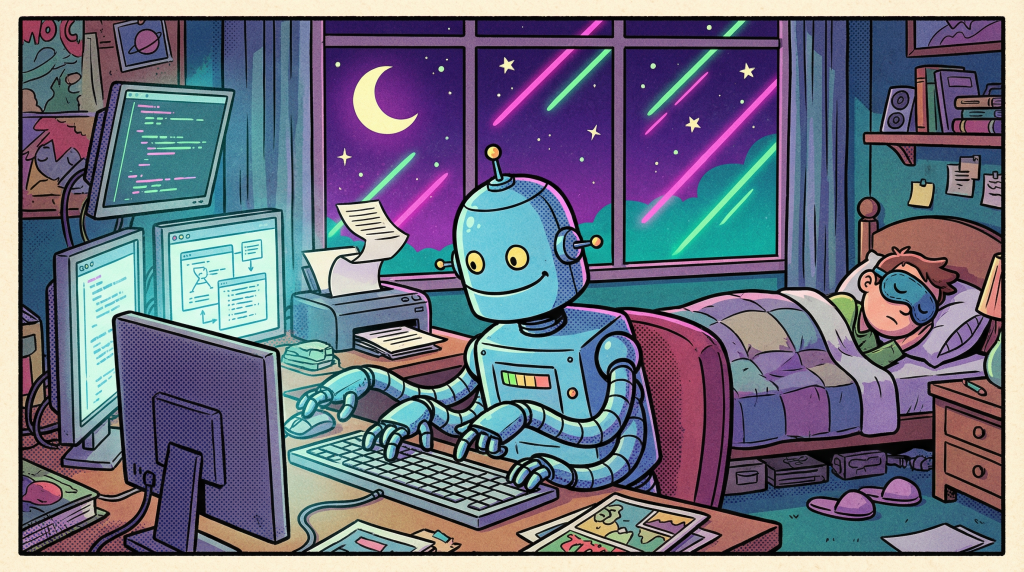
I Built a Full Business Report While I Slept (Claude Cowork)
I gave Claude Cowork a task list, went to sleep, and woke up to a finished 12-page business report. Here is the exact overnight setup, no code required.
Stop Paying for ChatGPT Pro. Claude Does This for Free.
Still paying $20 a month for ChatGPT Plus? Claude does projects, artifacts, and file analysis for free. Three features you are burning money on now.
Claude Code Just Made Every Other AI Coding Tool Obsolete
Claude Code is not an AI coding assistant, it is an autonomous engineer in your terminal. Why Cursor and Copilot now feel like expensive autocomplete.

Macy's AI Chatbot Made Customers Spend 400% More
Macy's 'Ask Macy's' AI chatbot drove a 400% increase in customer spending. Here's what every business owner should take from it.