
ChatGPT Getting Worse? Check Memory
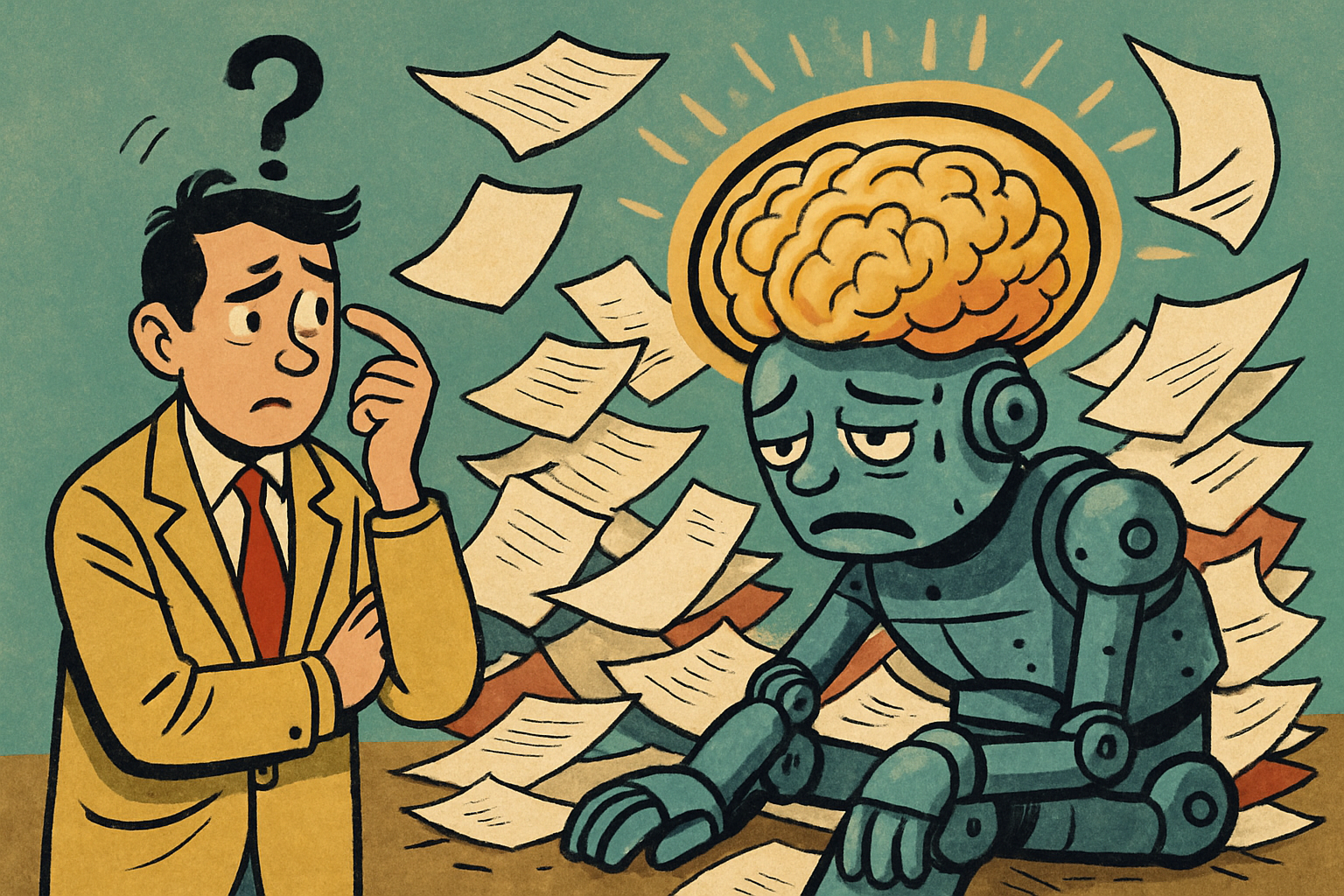
ChatGPT didn't get dumber. It just remembered something about you that's no longer true.
If your answers suddenly feel off, weirdly specific, or like the model is responding to a version of you from four months ago, the culprit is usually Memory. It's been quietly saving notes the whole time, and some of those notes have gone stale.
The fix takes 30 seconds
Go to Settings, then Personalization, then Manage memories. Read through what's there. You'll probably find at least one thing that made sense once and makes zero sense now. (Mine had me pegged to a project I finished last spring.)
Delete anything that doesn't match how you actually work today. That's it. The model isn't broken. Its notes about you just needed a tidy.
Your AI is only as good as what it thinks it knows about you. Clean the file.
Make this a once-a-month habit and ChatGPT stops drifting into a version of you that no longer exists. Go check yours right now.
Need a CTO, not another hire?
Fractional CTO. Technology leadership, part time. A weekly leadership call, architecture and code review, a written monthly plan, and on call when things break. $4,000 a month for 40 hours.
See the engagement